Dolibarr, business software with no subscription.
Quotes, invoices, customers and stock in free software that stays with you.
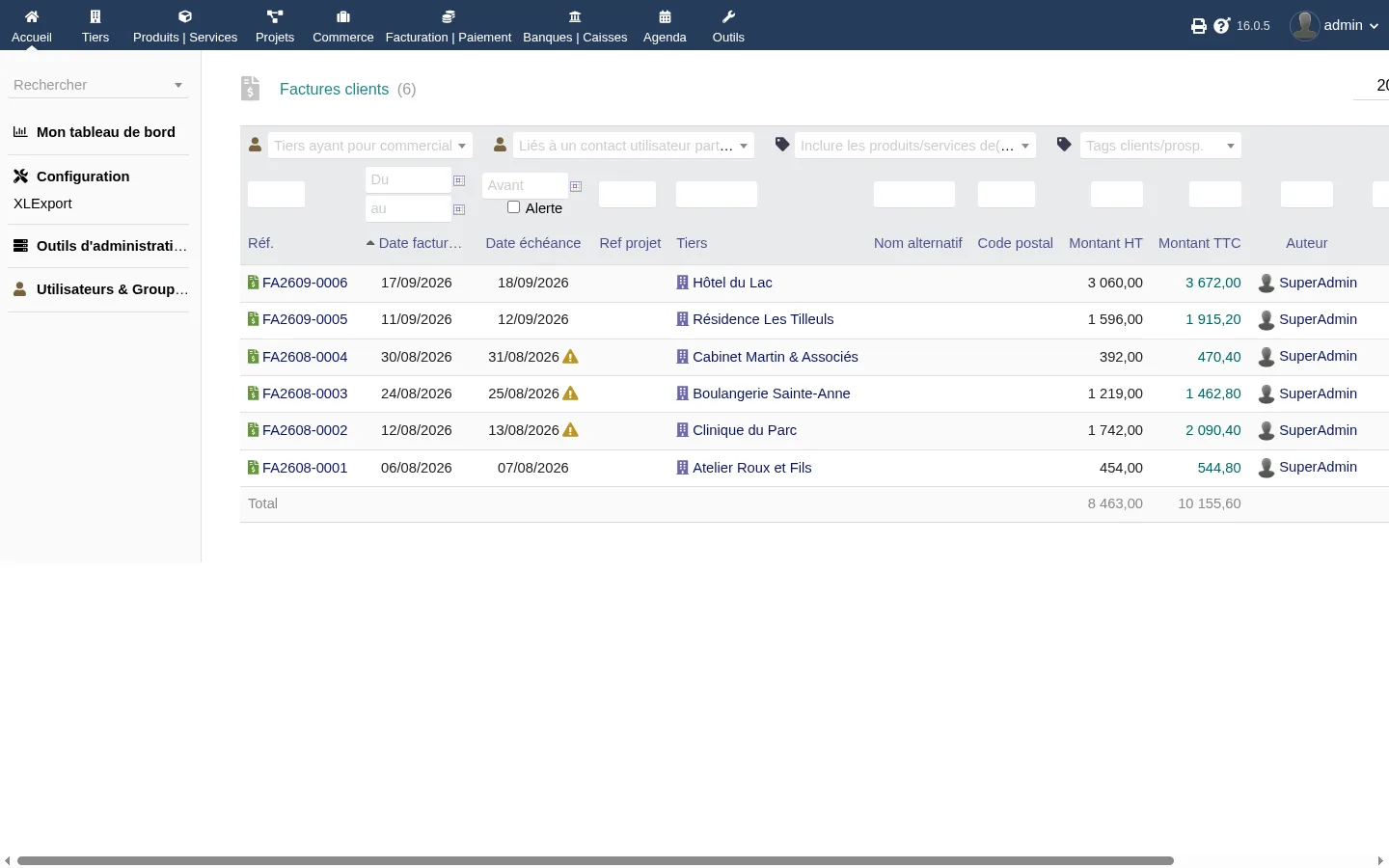
What Dolibarr already does
Turn on only what you need.
- Customers and suppliers
- Records, contacts, history and calendar.
- Quotes
- PDF, online signature, conversion into an order.
- Orders and invoices
- Credit notes, deposits, payments and unpaid invoices.
- Products and stock
- Catalogue, prices, warehouses and shipments.
- Projects and time
- Tasks, time spent and interventions.
- Bank and accounting
- Reconciliation and export for your accountant.
Why open source software
No subscription
The software is free, with no per-user licence. You pay for hosting, and for modules if you want them.
Your data stays with you
Everything stays on the server you choose, and can be exported whenever you like.
A tool that lasts
More than twenty years of development, a large community and about two major versions a year.
Who it is for
Craftspeople, freelancers, small businesses, associations and SMEs who still write quotes in Word, or pay too much for a subscription. And those who already use Dolibarr and want to go further.
What my modules add
The gaps I meet most often at my customers’, and the module that fills each one.
The built-in backup depends on mysqldump and is neither scheduled nor sent elsewhere.
BackupGuardBackup, restore and updateA stolen password is enough to get into your business data.
2FATwo-factor authenticationThe login page does not limit password attempts.
Login GuardLogin securityA deletion is final. One click too many and the quote is gone.
CorbeilleRecycle BinRecurring invoices still need manual work, and so do payment reminders.
AutoFactureRecurring invoicing and remindersSearch looks neither in document lines nor in notes.
DocFinderSearch quotes and invoicesA quote sent as a PDF can be edited by anyone.
PDF ProtectProtected PDF quotes and invoicesGetting a list into Excel goes through an awkward export wizard.
XLExportExcel export of lists
Getting started with Dolibarr
- 1
Choose where to install it
Regular web hosting is enough. Your own server or Docker work too.
- 2
Turn on the core modules
Third parties, proposals and invoices, and your first quote is ready.
- 3
Fill in your company
Logo, address and payment terms, shown on every PDF.
- 4
Add what you are missing
A module when the need comes, not before.
Frequently asked questions
Is Dolibarr really free?
Yes. Dolibarr is free software under the GPL licence, so you can download, install and use it without paying a licence, whatever the number of users. Possible costs are hosting, help with the setup and add-on modules.
Do I need a server to use Dolibarr?
You need somewhere to install it, and regular web hosting with PHP and MySQL is enough for a small business. You can also install it on your own server, in a Docker container, or use a host that provides it ready to use.
Is Dolibarr suitable for a freelancer?
Yes. You only turn on what you need, and for a freelancer, customers, quotes and invoices are often enough. The tool can then grow with the business.
Does my data stay with me?
Yes. Dolibarr runs on the server you choose, and you can export all your data at any time. No vendor can lock it or raise a subscription.
How do I add a module to Dolibarr?
In Home, Setup, Modules, use “Deploy/install an external module”, upload the module zip file and enable it. My modules are sold on the Dolistore, the official Dolibarr store.