BackupGuard
Backed up every night, restored in a few clicks.
Full nightly backup, without mysqldump, encrypted, verified and sent to WebDAV, S3, FTP or SFTP. Restore and server moves from the browser with a way back, Dolibarr updates checked file by file.
What you get
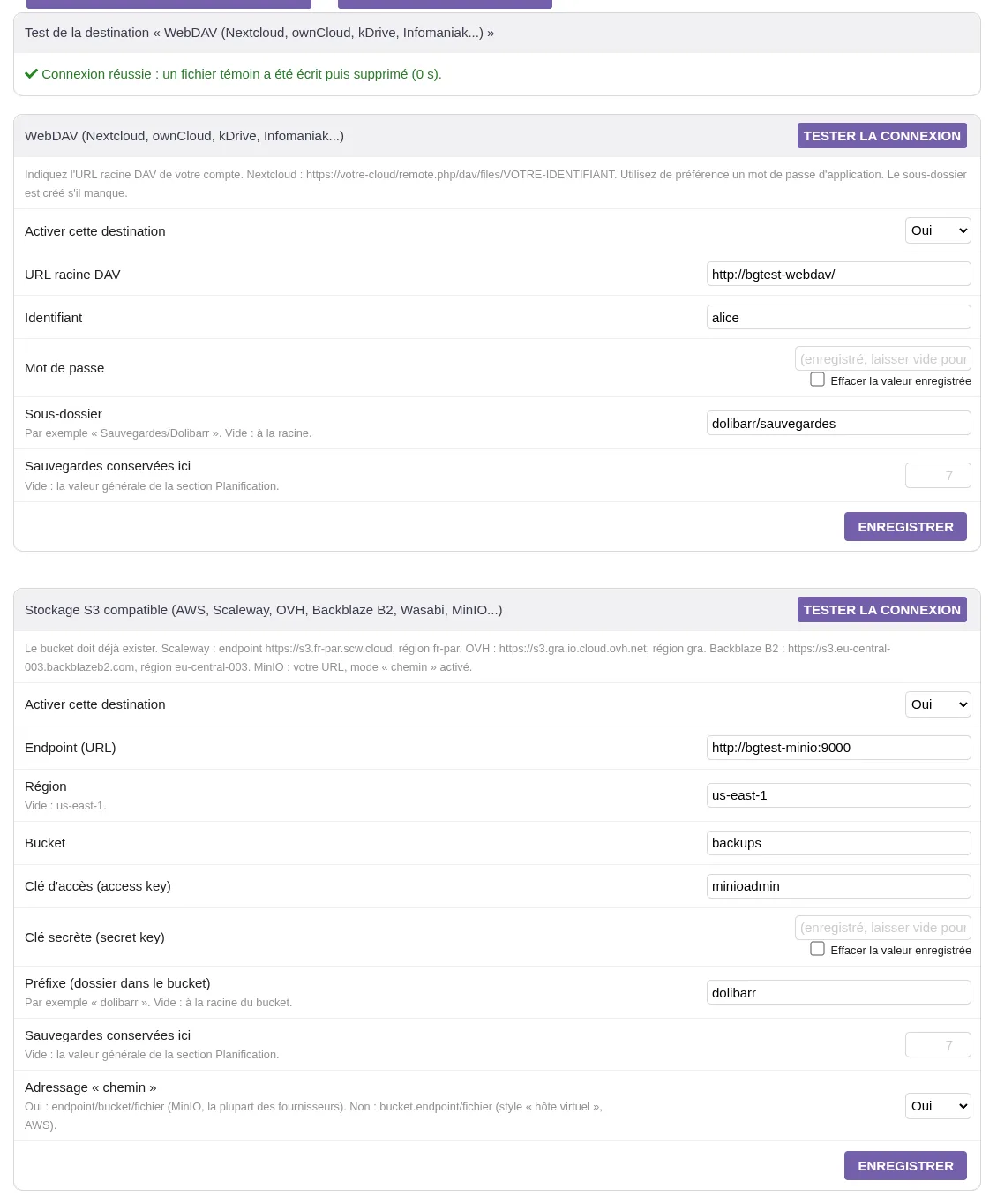
A full backup every night.
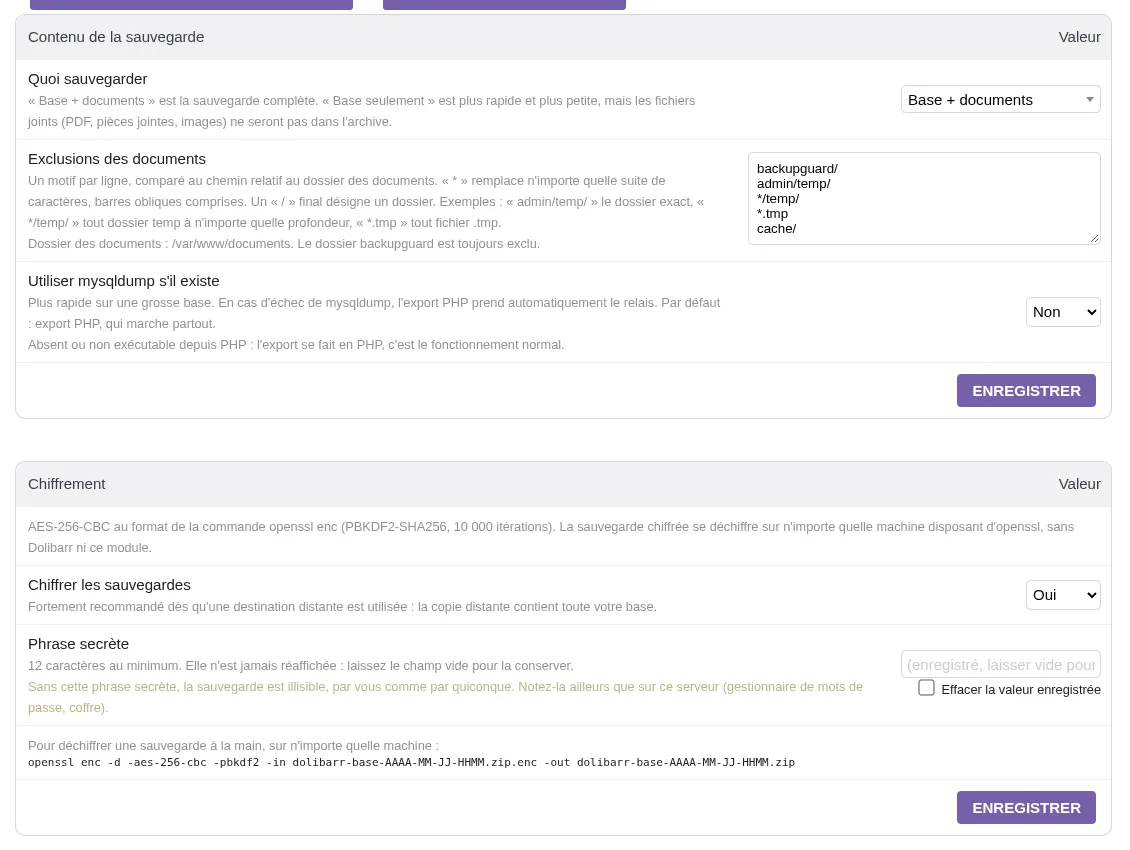
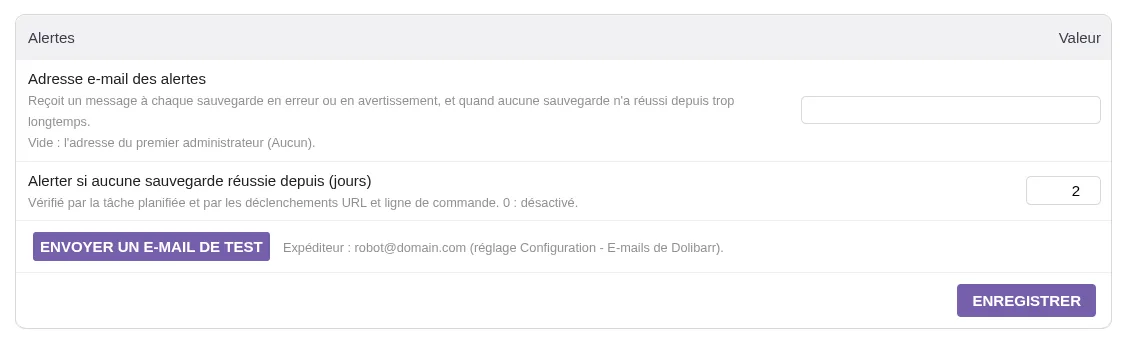
Database and documents, without mysqldump, encrypted in openssl format, verified and sent to WebDAV (Nextcloud, kDrive), S3, FTP or SFTP, with retention and alerts.
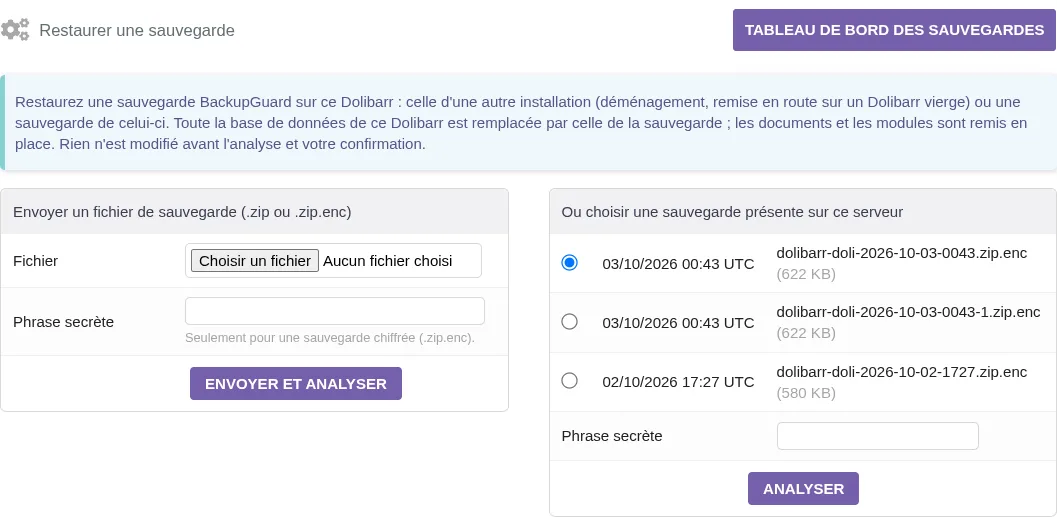
Restore from the browser.
Analysis that changes nothing, safety backup of the current state, live progress, "Retry" or "Back to the previous state". Also moves a Dolibarr to a fresh server.
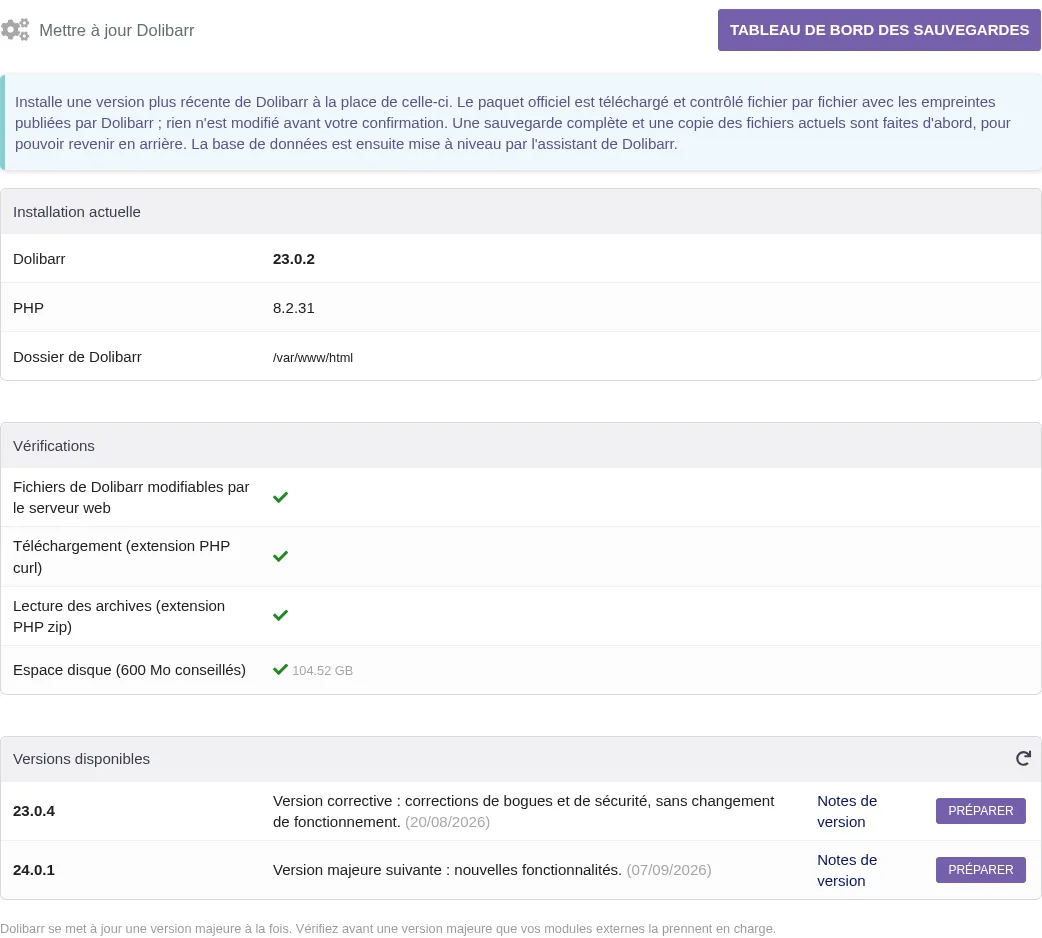
Update Dolibarr, with a safety net.
Official package checked file by file, full backup first, previous files can be put back.
In pictures
Specifications
- Current version
- 2.2.0
- Compatible
- Dolibarr 16 to 24
- Price
- 49 € excl. VAT
- Updated
- 3 October 2026
- Languages
- French, English
- Documentation
- Dolibarr wiki
Frequent questions
The native Dolibarr backup fails, will BackupGuard work?
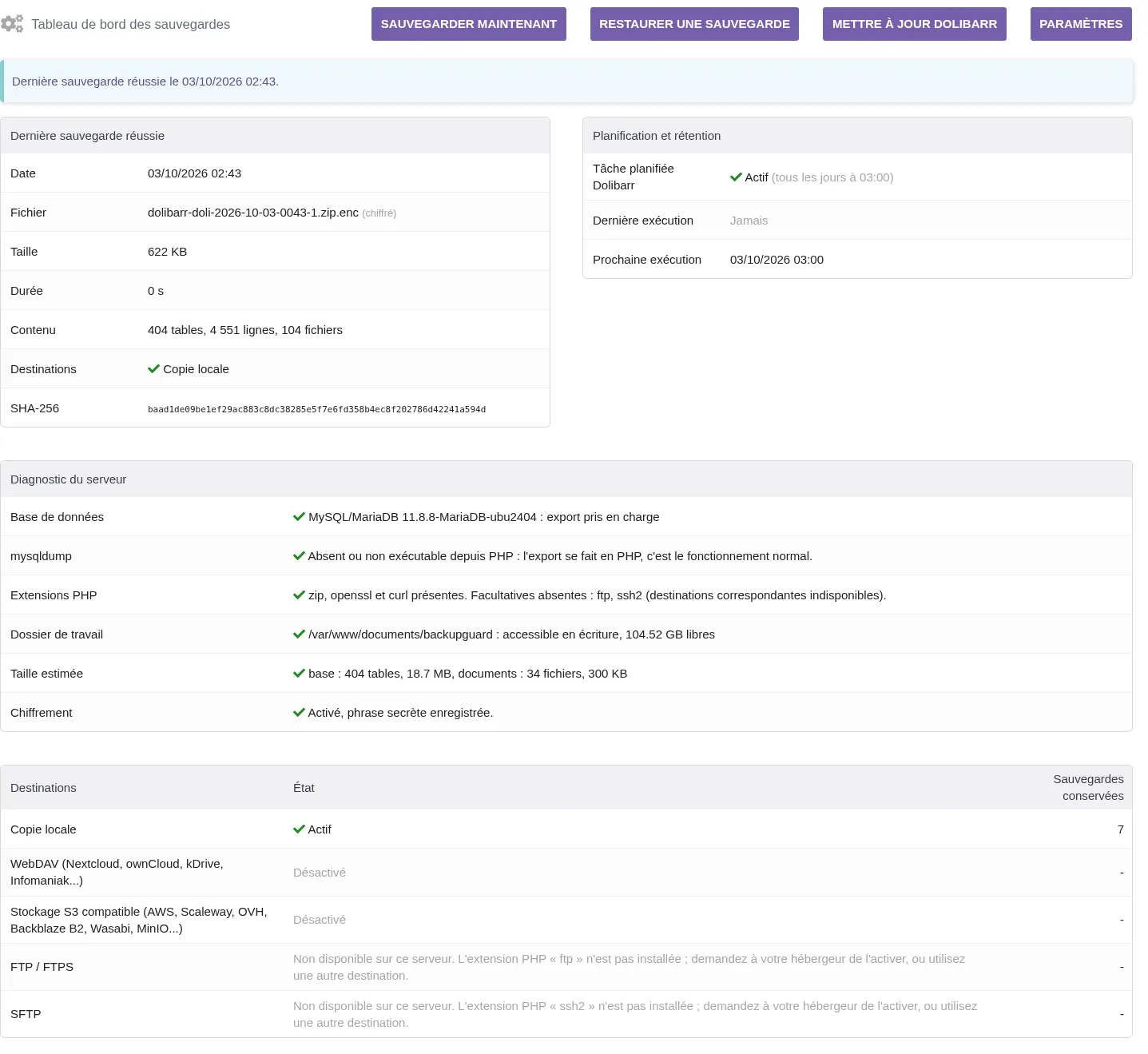
In most cases, yes. BackupGuard exports the database in PHP and does not need mysqldump, which is often missing or forbidden on shared hosting and in Docker containers. As soon as it is enabled, the module dashboard shows a diagnostic of your server.
How do I open a backup without Dolibarr?
Encrypted backups use the standard format of the openssl command, so they open on any machine with this command:
openssl enc -d -aes-256-cbc -pbkdf2 -in backup.zip.enc -out backup.zip
The resulting zip contains database.sql, manifest.json and the documents folder.
Where can backups be sent?
A local copy is always made. You can add, at the same time, a WebDAV space (Nextcloud, ownCloud, kDrive, Infomaniak), S3-compatible storage (AWS, Scaleway, OVH, Backblaze B2, Wasabi, MinIO), an FTP or FTPS server, and an SFTP server if the PHP ssh2 extension is present. The "Test connection" button writes then deletes a test file, and shows you the remote server's real error if it fails.
My hosting has no cron
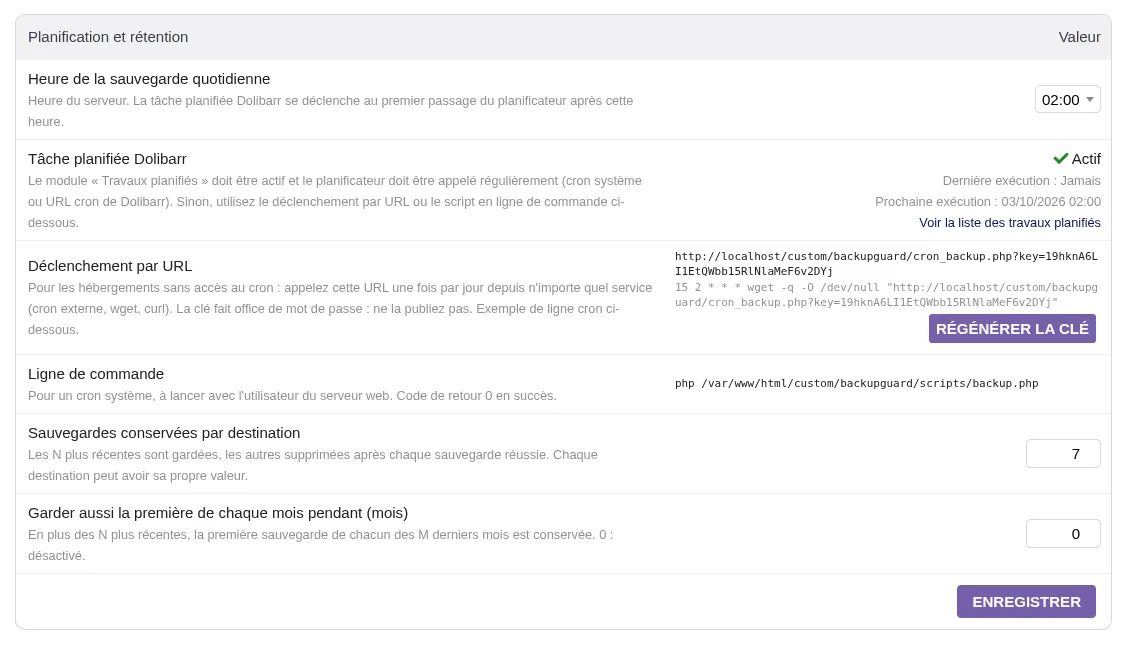
Use the trigger URL with a secret key, which you will find in the settings. An external cron service, or any daily call to that address, is enough. The Dolibarr scheduled job and a command-line script are still available if you need them.
Can I restore on another server?
Yes. Install a fresh Dolibarr with only BackupGuard, then start the restore from the browser. The module analyses the file without changing anything and first makes a safety backup of the current state. If the restore stops halfway, the "Back to the previous state" button takes you back to where you started. For very large databases, a command-line script is provided.
Does the Dolibarr update work in Docker?
In a container, the Dolibarr files come from the image and would be overwritten the next time it is recreated. The module therefore shows you the steps to follow instead of changing the files. On regular hosting or a server, the update is done from the browser, after a full backup, and you can go back to the previous files.
Releases and notices
No notice published yet.
Get notified of new versions
One email per release and per security notice, nothing else. One-click unsubscribe.